Cosul tau contine 0 produse
Cosul tau este gol.
1. Choose the products
The selection of products is done by browsing the site, and by pressing the Add to Cart button next to each product, it is selected and added to the cart.
2. Changing the cart
The products cart. You can add more pieces of the same product. You just need to add the number of desired pieces next to the quantity box and then press the Add to Cart button. After adding a product, it will appear in the CART box in the upper right corner of the site, and you can continue choosing other products by browsing the site.
In the upper right corner, in the box titled CART, you have continuously displayed the ordered products, their value and the shipping cost. If you wish to modify the contents of the cart, press the CART button in the box located in the upper right corner. From the opened page, you can modify the quantity of each product, or you can delete certain products. The shopping cart also includes the packaging and shipping cost by Courier. After making the changes, you can continue shopping by pressing the Continue Shopping button or if you want to finalize the order press the Next Step button.
3. Authentication or creation of a new account
If you do not have an account on the site https://inatech-shop.ro/en/ we recommend you to REGISTER, that is to create a NEW account. Enter a valid e-mail address, then press the Create Account button. In the next window, please enter your personal data, choose a password carefully, it is important to enter a correct address so that your order can be shipped, also later you can create another shipping address for the delivery of the order.
4. Finalize shopping
After you have added to the Shopping Cart all the products you want to order, press the Send Order button from the cart in the upper right corner or if you have opened the cart press the Next Step button. If you already have an account, you need to enter your e-mail address and password you have on the site https://www.inatech-shop.ro/. You can select or add a different delivery address, using the drop-down menu at the top or using the Add a new address button, to continue press the Next Step button.
5. Choosing the delivery method
Delivery is FREE in Romania, for orders over 1000 RON made on the https://inatech-shop.ro/en/ website. Select the delivery method of the products at the store's headquarters or courier. By default, the store's headquarters is selected but we recommend using the courier, because it will deliver the package much faster and directly to your home or office. Press the Next Step button again.
6. Order confirmation:
In the window that appears, you must press the Confirm Order button. At this moment you have finalized the order. In the shortest time, one of our operators will take over your order. Any suggestions or questions, billing data, etc. you can write in the "Observations" section. The next day (or even the same day) a package with the ordered products will leave for you (the package arrives in a maximum of 1-5 working days depending on the chosen shipping option). You will pay the price of the package when it arrives at you or when the Courier from the Courier Company comes to you (unless otherwise agreed in advance).
7. Order by email
You can also order directly by e-mail, using the contact page. Please specify the following information in the email:
– First and last name;
– Complete address where you want the products to be delivered: street, number, block, staircase, apartment, city and county;
– The phone number where you can be contacted for delivery;
– The products you want and how many pieces of each;
– Delivery method, pick up from the store's headquarters or delivery by Courier
8. Order by phone
You can also order by phone, a consultant will take over your order.
 Ecological Packaging
 Cardboard, Wood and Paper Packaging
 HoReCa Packaging
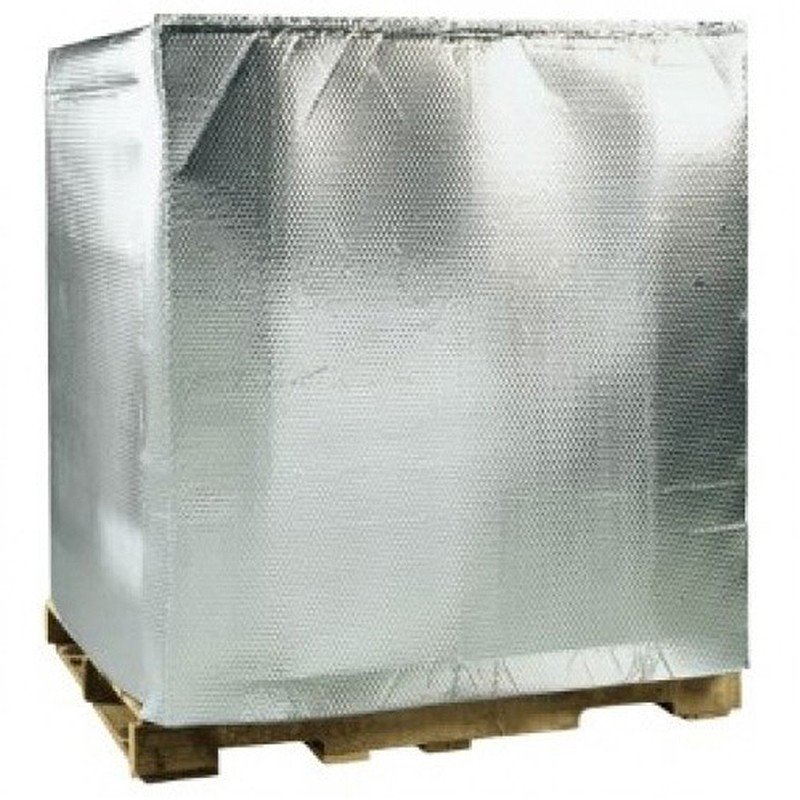
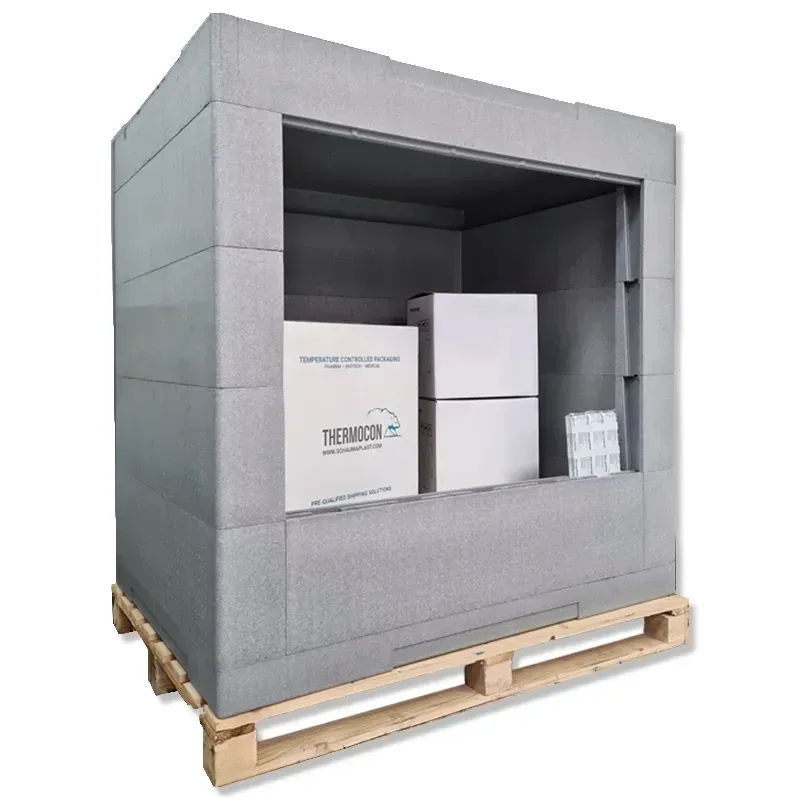
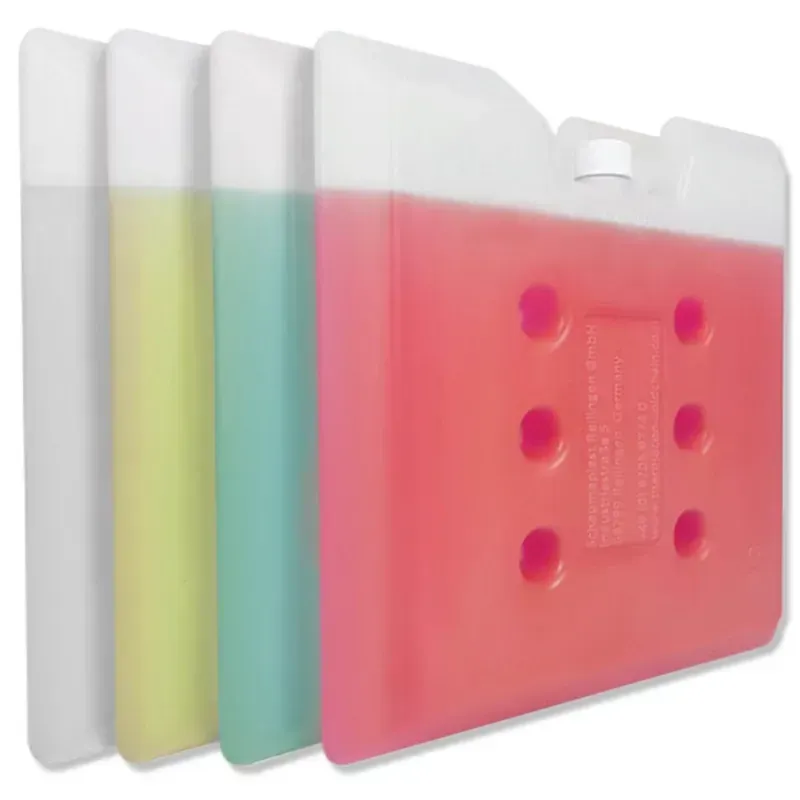
 Temperature Controlled Insulated Packaging
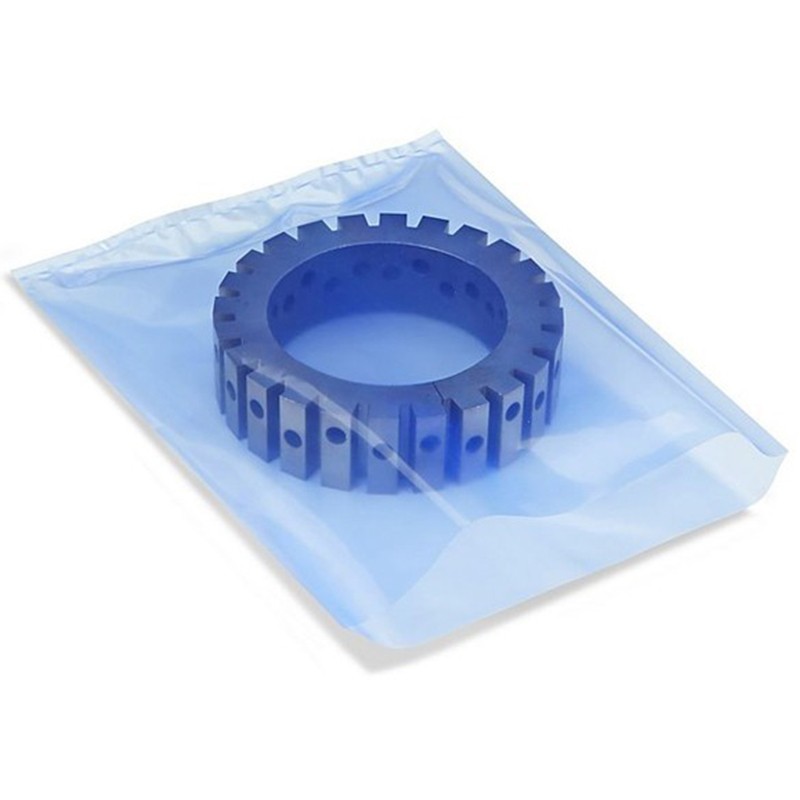
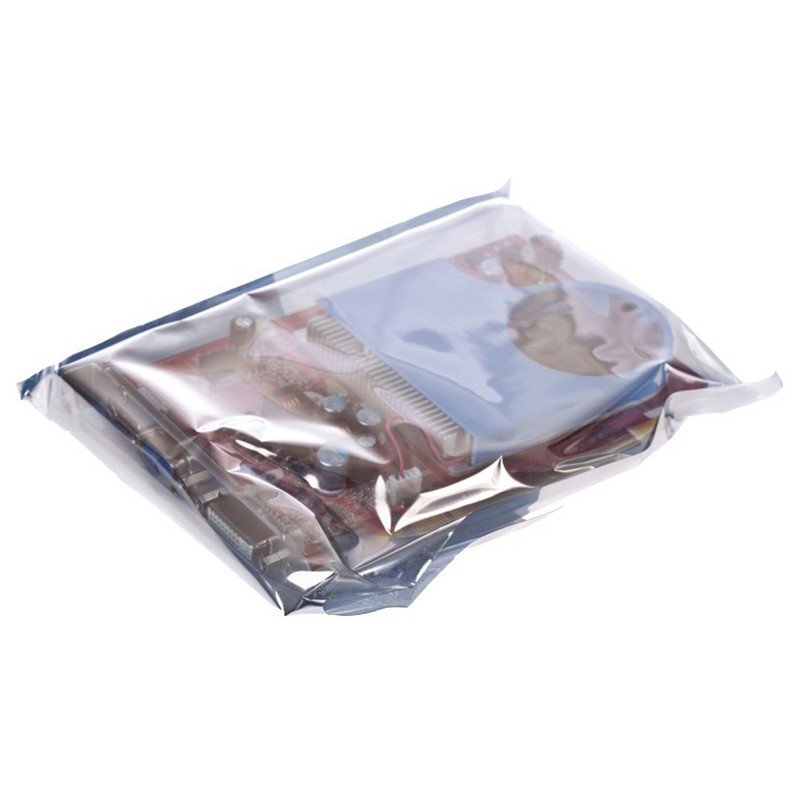
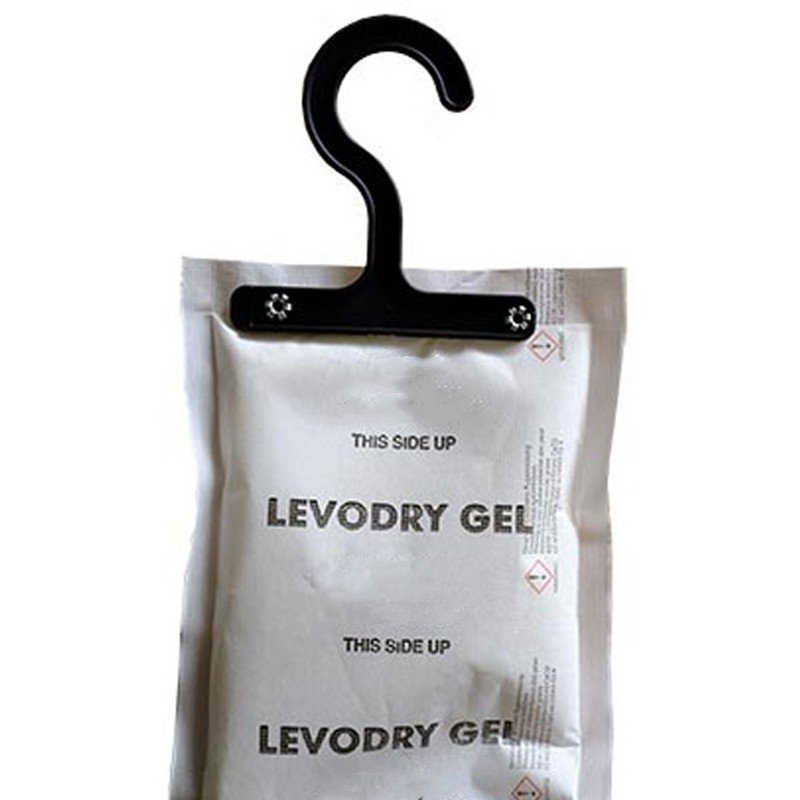
 VCI Packaging, ESD, Desiccants and Emitters
 Household Items and Labor Protection
 Adhesive Tapes and Glues
 Stationery and Office Supplies
 Warehouse Equipment and Consumables
 Bubble Wrap Packaging
 Stretch Film, Binding and Palletizing
 Professional Architectural and Auto Foils
 Machines and Consumables for Packaging
 Materials Used in Construction, Home and Garden
 Courier Envelopes and Bags
 Polyethylene, Polypropylene and Polyurethane
 Plastic Bags And Containers
Please sign in first.
Sign inCreate a free account to use wishlists.
Sign in